Start with the question a resident might ask
A public spreadsheet becomes useful when someone can connect its contents to a real question. Where are the civic meeting rooms? Which buildings have an evening entrance? When were the opening hours last checked? These questions expose gaps that a simple file upload can conceal. A person should not need to know the publisher's internal vocabulary before beginning.
Consider a fictional town preparing a directory of public facilities. The examples here are an original planning exercise, not a description of a real council's systems. The team wants residents to find a location and understand what information is dependable. That purpose guides the release more effectively than a goal such as putting all available columns online.
Write the description before choosing the download button
The federal DCAT-US metadata reference describes a structured way to document datasets, distributions, and data services. Its fields help identify what a resource is, who publishes it, how it is accessed, and how it is maintained. The schema is a concrete example of metadata supporting discovery; it does not make the underlying observations accurate merely because a record validates. [1]
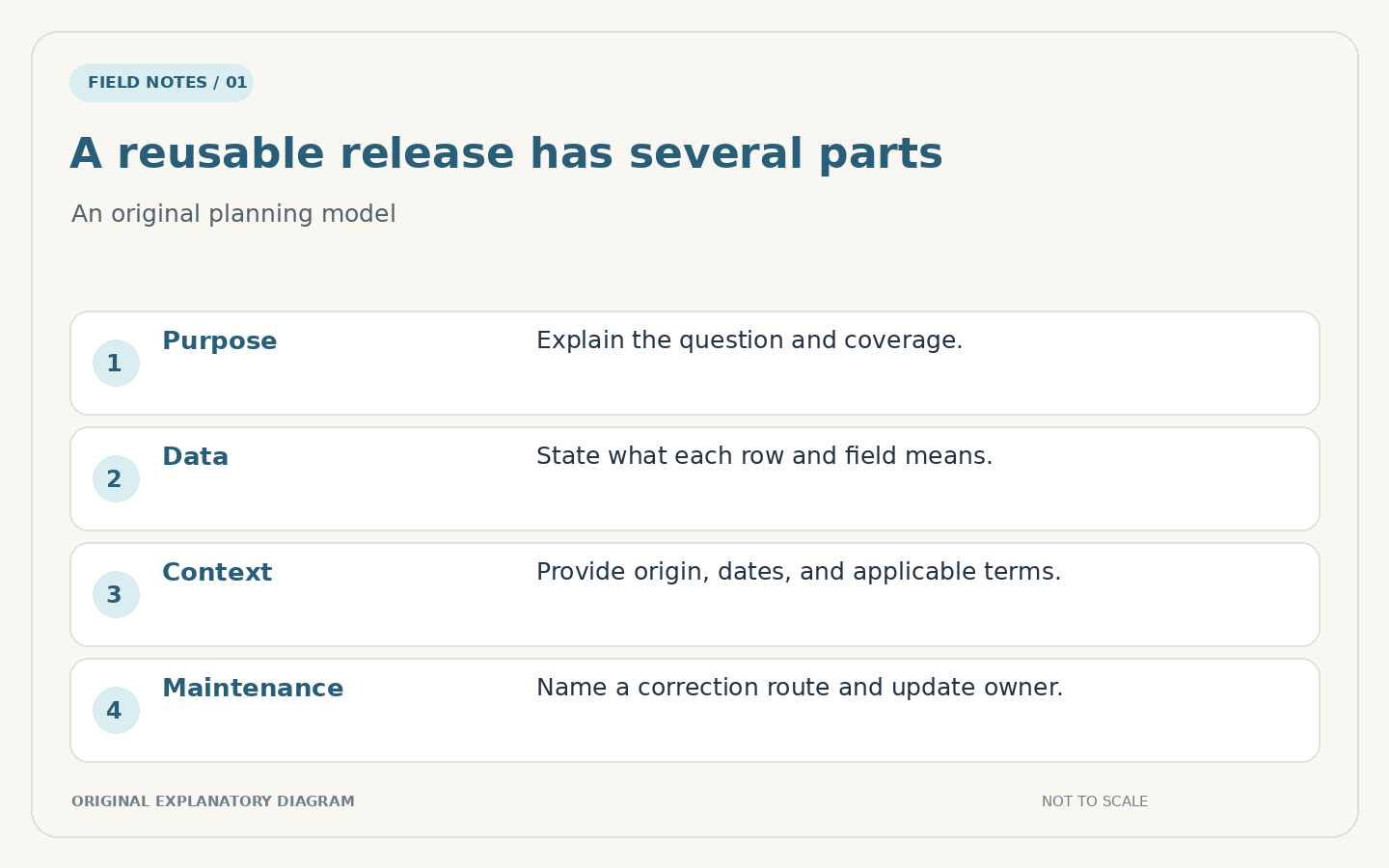
For the fictional directory, begin with ordinary sentences. Explain that each row represents a public facility, which geographic area is included, and whether temporarily closed buildings remain in the file. Name the team responsible for corrections. A person who understands those sentences can make a sensible decision about downloading the data before encountering any technical detail.
Define what one row means
An inventory can count buildings, entrances, rooms, or organizations. Those units are easy to confuse when a large building contains several services. Choose the unit deliberately and state it beside the download. If one row represents a building, explain how the file handles multiple entrances and services within it.
Give every row an identifier that remains useful when a display name changes. A building called Central Hall this year might receive a new public name later. The name should be readable, while the identifier should help a user follow the same record. In the exercise, keep a small example containing two buildings and a renamed facility so reviewers can check whether the distinction is understandable.
Make field meanings visible
A column called open can mean open today, open to the public, or still operating as an institution. Replace that ambiguity with a precise field name and a short definition. For each field, describe the expected value and how an unavailable value appears. Explain whether a blank means unknown, not applicable, or not yet checked.
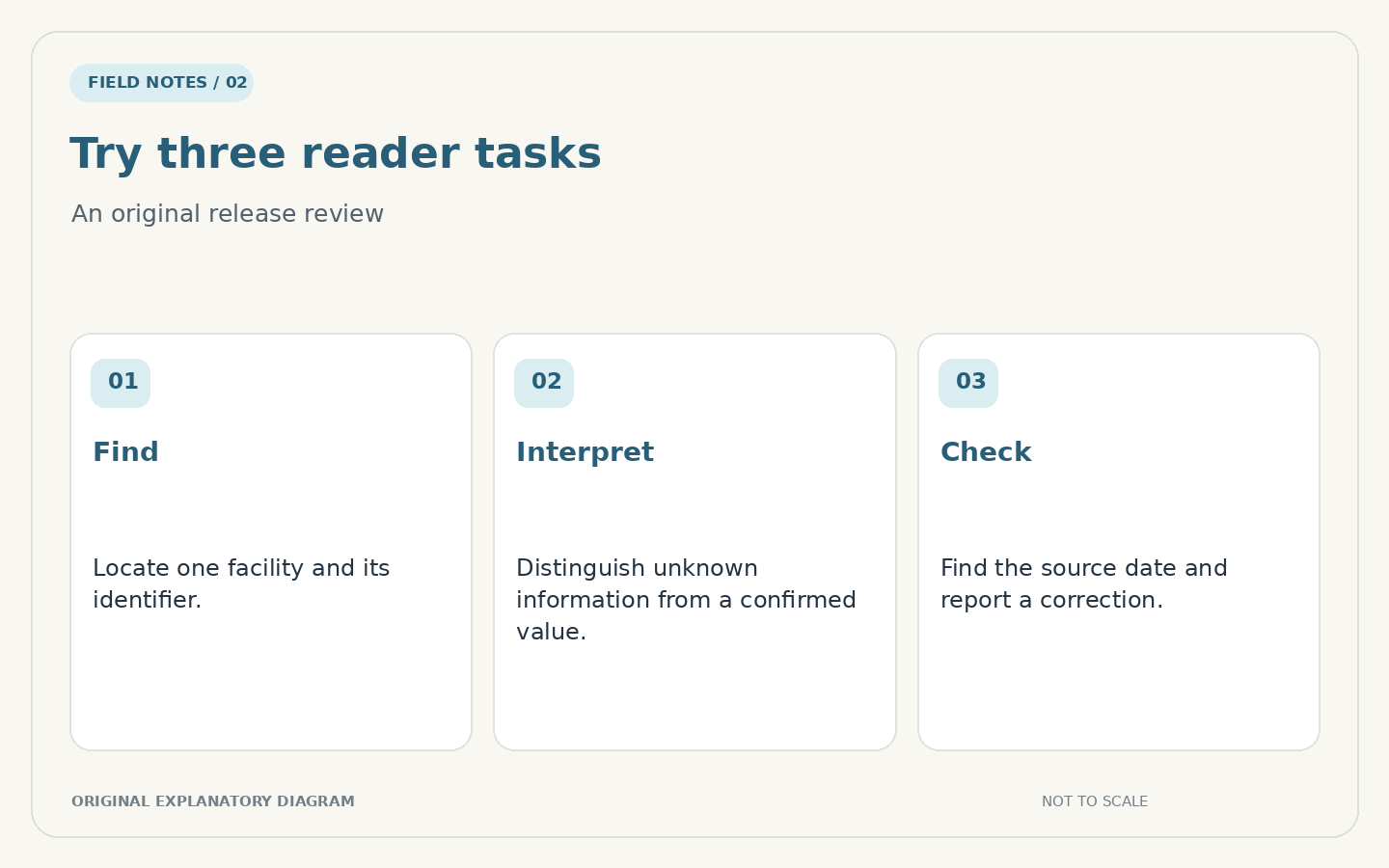
Then let someone outside the publishing team interpret three sample rows. Ask them to describe a visit using only the file and its field guide. If they mistake an unknown opening time for an all-day opening, the guide needs revision. This exercise tests comprehension directly; it is more useful than asking a colleague whether the spreadsheet looks professional.
Put permissions where a reuser will find them
W3C's Data on the Web Best Practices recommends providing metadata, licensing information, provenance, and information about data quality. These are distinct supports for reuse: understanding a file, understanding its origin, and understanding its stated reuse terms are different tasks. A prominent download button does not answer all of them. [2]
In the fictional release, place a clearly labelled reference to the applicable terms beside the file rather than relying on an unrelated footer. If photographs or third-party material have different terms, describe that distinction accurately. Do not invent permission because a resource is publicly viewable. A reuse question that remains unresolved should be taken to the publisher or an appropriate adviser.
Keep sensitive material out of the example
A public directory needs public-facing location and service information. It does not need a staff member's private phone number simply because that number appears in the internal working sheet. Before release, examine each column against the directory's stated purpose and the publisher's actual release process.
Use invented sample rows for documentation instead of copying an internal record into a screenshot. The exercise should demonstrate format without disclosing information that was never intended for publication. Have someone review the documentation as well as the data file: a hidden spreadsheet tab, explanatory screenshot, or attached note can contain material that the visible table no longer includes.
Test the download as a new reader
Open the release from a fresh browser session and follow the route a resident would take. Read the description, obtain the file, open it in a common tool, and locate the field guide. Check whether accented names remain readable and whether a postcode or identifier has been changed by automatic number formatting.
For the fictional directory, ask a reviewer to find one building, identify the source date, and distinguish an unavailable value from a confirmed closure. Record the actual stumbling point, such as an unexplained abbreviation. That observation gives the publisher a specific repair. A general instruction to make the data easier is harder to act on and harder to verify afterward.
Give corrections a clear destination
A resident may notice that a facility name has changed or that an entrance description is confusing. Provide a correction route that asks for enough detail to identify the record. A record identifier, the field in question, and a short description are often more useful than an unstructured complaint sent to several offices.
Explain what the correction route does. It may collect a report for review rather than promise an immediate change. Keep the public file and the internal work queue connected through identifiers, while avoiding publication of personal contact details from the reports. After an accepted correction, update the release notes so someone who downloaded an earlier copy can understand the difference.
Hand over a release that can be maintained
Finish the exercise with a small release folder containing the data, a field guide, the publication description, and a short maintenance note. The note should identify who checks the information and what triggers another release. A modest, maintainable directory is easier to trust than an ambitious file whose ownership disappears after launch.
Finally, repeat the original resident questions. Can someone locate the building, interpret the entrance information, and see when it was checked? If a question still cannot be answered, say so plainly in the description. Public access improves when readers can identify both the useful information and its limits without having to reconstruct the publisher's process themselves.
Sources
- DCAT-US Schema v3.0 — Data.gov
- Data on the Web Best Practices — World Wide Web Consortium